

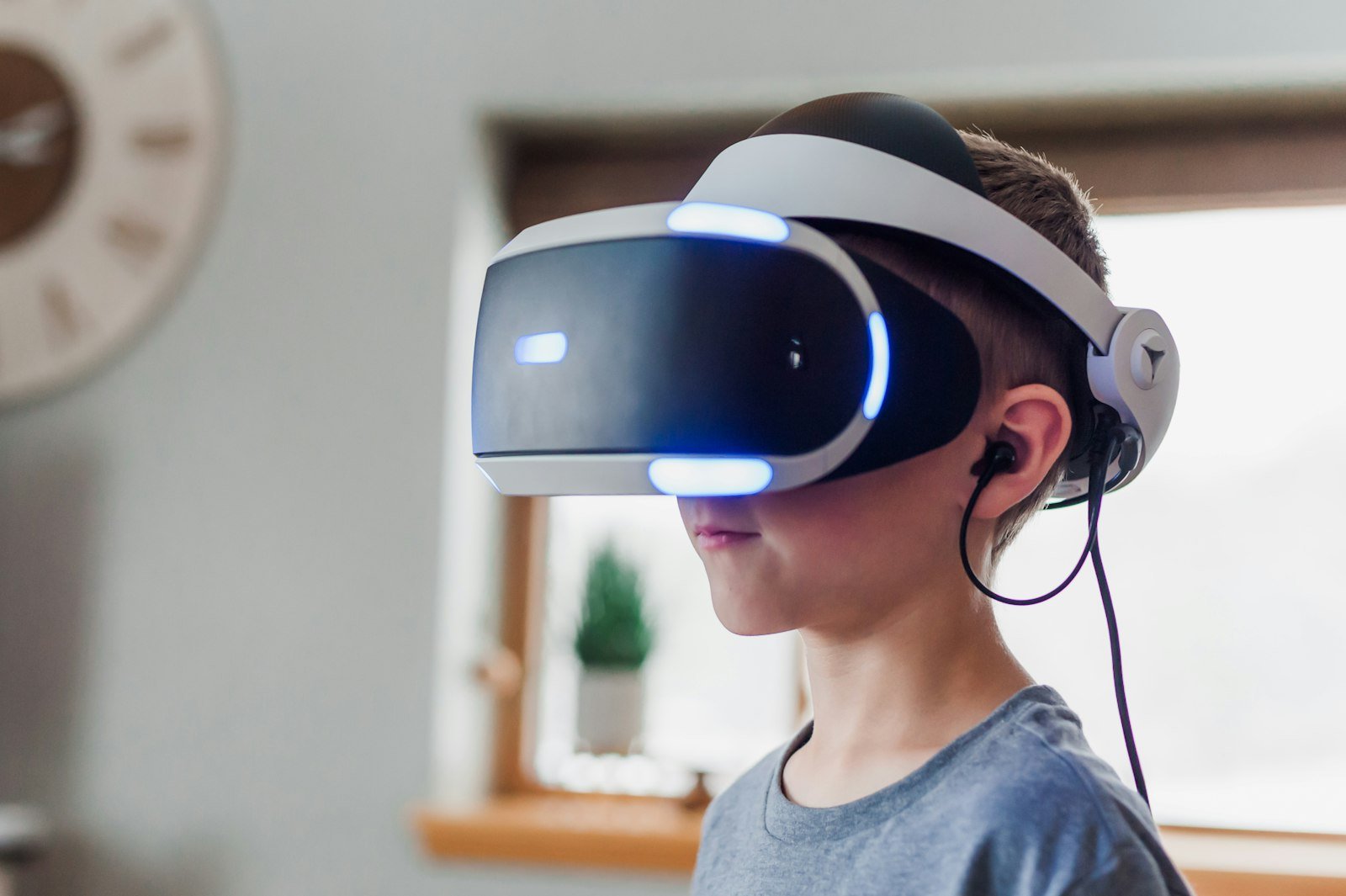
Virtual reality lets learners stand inside a volcano, walk ancient cities or build machines at full size. Used well, it makes ideas memorable. Used carelessly, it can be uncomfortable or isolating.
Check the age guidance
Headset makers set their own minimum ages. For example, Meta says its Quest headsets are designed for people aged 10 and up, with parent-managed accounts for ages 10 to 12. Check the guidance for the specific headset you're considering.
Safety basics
- Clear space around the player; furniture and walls are easy to forget
- Short sessions with breaks, especially at first
- Stop if anyone feels dizzy, sick or gets a headache
- Supervise younger users and use parental controls
Good ways to use VR for learning
- Explore places you can't visit: space, the deep sea, historical sites
- See things at scale: molecules, engines, buildings
- Create: 3D painting and building apps teach design thinking
- Talk about it afterwards: what did you see, what surprised you?
What's next at Ascend
Our studio is developing a VR project that takes immersive learning one layer deeper. Follow along on our game projects page. For structured AI, robotics and XR courses, see our sister academy Ascend EdTech.